Action Space Design for GUI Agents
Defining which software moves an agent can make determines whether it succeeds at real work.
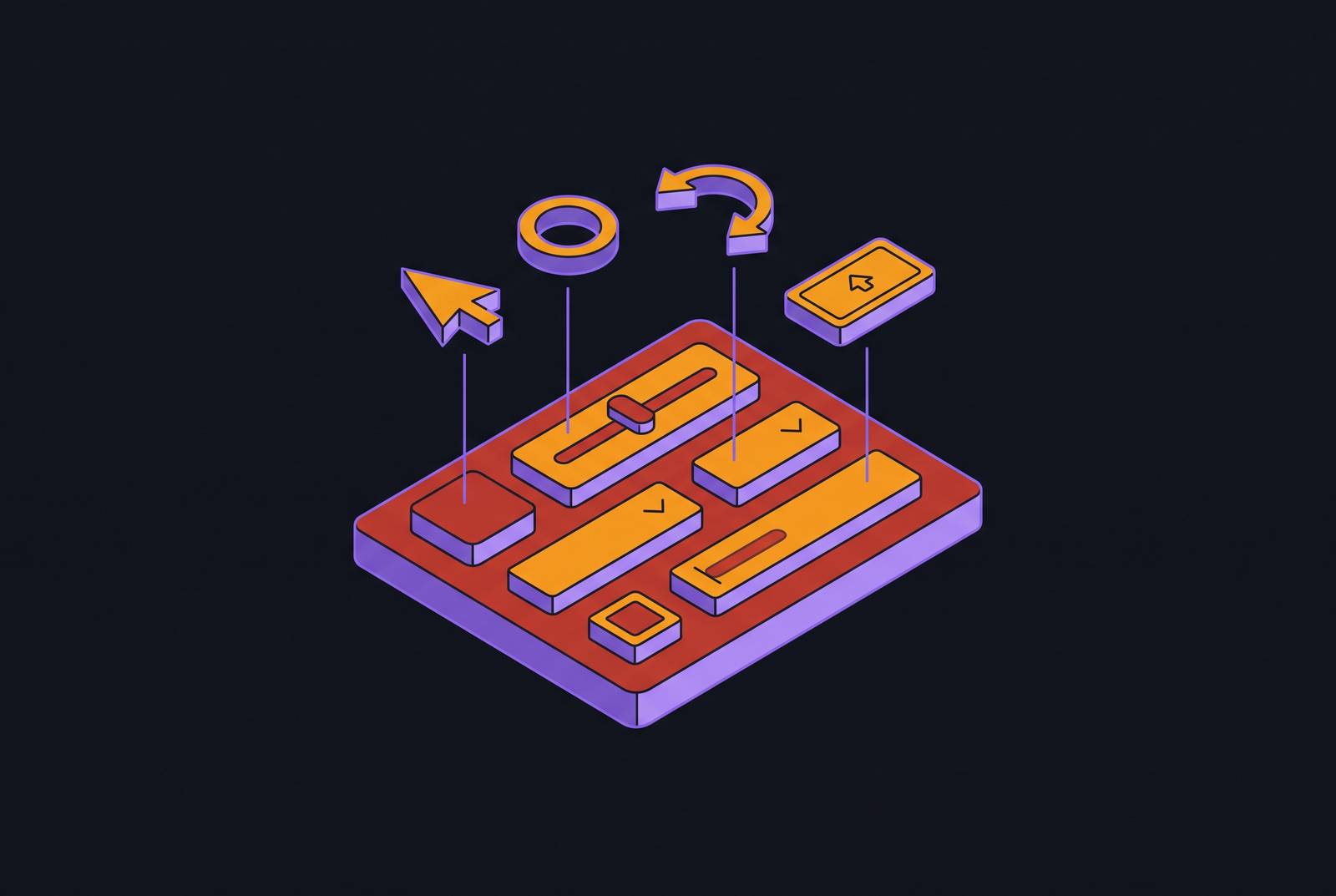
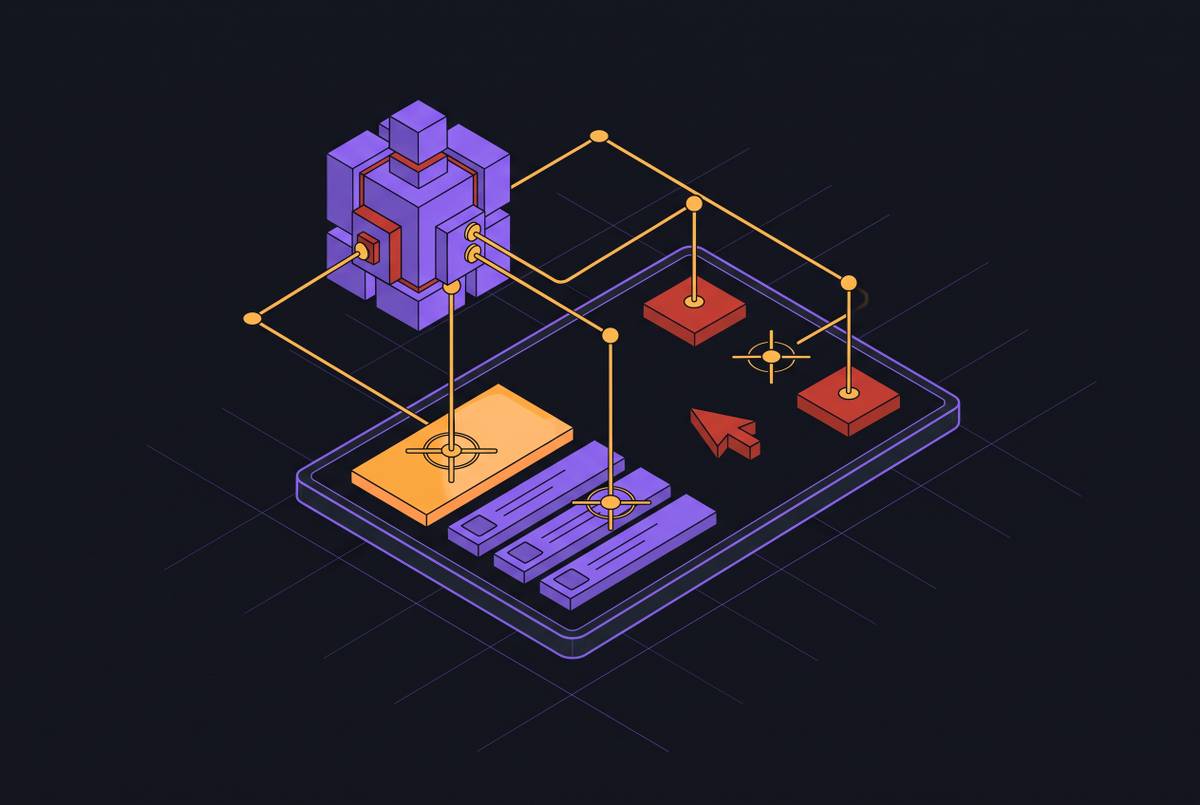
An action space is the full set of moves an agent is allowed to make against a piece of software: click here, type this, drag that, scroll down. Nothing more, nothing less. That boundary, not the sophistication of the reasoning behind it, decides which workflows a computer-use agent can finish and how often it finishes them correctly.
A chatbot answers a question. A GUI agent has to actually do something to the software in front of it, and if the action it needs isn't in its vocabulary, no amount of clever planning will get it there. This part of agent design rarely makes it into a product pitch, but whether the thing works on a Tuesday afternoon with a real payer portal open in front of it depends on it.
The three-layer architecture that turns a screenshot into an authority-bearing action
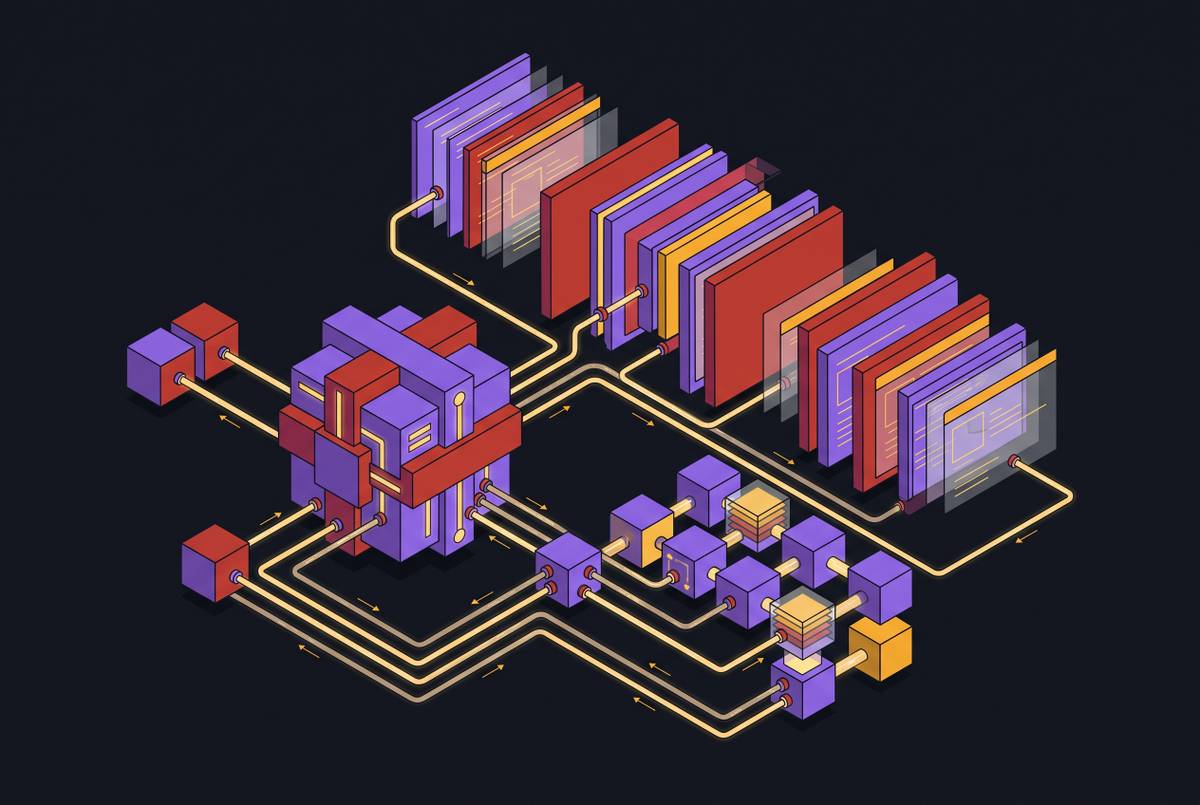
Every computer-use agent, regardless of vendor, runs on some version of the same three-part structure: perception, decision, execution.
Perception is the eyes. It takes in screenshots, DOM trees, accessibility metadata, sometimes OCR output layered on top of a visual scene. Models built for this job, dual-branch designs like CogAgent among them, process images at variable resolution so the agent can catch both the big picture (what screen is being shown) and small details (what a tiny icon actually says). Structural data, HTML tags, bounding boxes, accessibility labels, gets fused with the visual signal to build a state representation that's richer than pixels alone.
Decision is the brain. An LLM or multimodal LLM breaks a goal like "submit this prior authorization" into an ordered list of smaller steps, often using chain-of-thought reasoning or a handoff between multiple specialized agents. Memory plays a role here too: short-term context that tracks the last few actions, and in some designs, longer-horizon memory built for cross-app tasks. AppAgent v2, for instance, uses a retrieval-augmented design aimed at that kind of cross-app continuity, but that isn't the same as a guaranteed multi-session memory feature.
Execution is the hands. It converts the plan into actual device operations, accessibility API calls, system controls, simulated keystrokes and clicks. This is where the action space physically lives. Whatever the execution layer is built to accept is the hard ceiling on what the agent can do, no matter how good the reasoning upstream was.
A framework from Chen and colleagues on agent lifecycle architecture makes the point that task success rate alone doesn't tell you if an agent is reliable. Perception errors, planning drift, memory misuse, permission scope, and the presence or absence of runtime oversight all interact, keeping the agent's actions aligned with what the user actually wanted or knocking them out of alignment. A narrow action space at the execution layer chokes off what planning can even attempt. A weak perception layer, meanwhile, undermines a rich action space just as thoroughly, because the agent can have every tool available and still click the wrong button if it can't read the screen correctly.
Action space structure: flat versus hierarchical, and its effect on precision and efficiency
Not all action spaces are organized the same way, and the organization itself changes performance.
A flat action space treats every decision as one step: pick an action type and a target simultaneously. A hierarchical, or conditional, action space splits that into two stages, first deciding the action type (click? type? drag?), then predicting the target location or element. CoCo-Agent uses this split and shows gains in both precision and sample efficiency. The logic is straightforward once you see it: separating "what kind of action" from "where exactly" shrinks the joint prediction space, so each sub-decision gets easier to nail.
Some designs go further and blend GUI actions with code execution. CoAct-1's multi-agent architecture adds "coding" as a system-interactive action that sits alongside GUI actions, letting the system swap a brittle sequence of clicks for a single programmatic call when that's the more reliable path. Other approaches focus on speed rather than reliability. AppAgentX, from Jiang and colleagues in 2025, mines an agent's own execution history for repeated action sequences and compresses them into higher-level "shortcut" actions, closing some of the efficiency gap between flexible-but-slow GUI agents and fast-but-rigid rule-based automation.
The tradeoff runs in both directions. A richer action space raises the ceiling on what a task can accomplish, but it also opens up more surface area for grounding mistakes. Matching the design to the reliability bar the deployment actually needs, not the reliability bar that looks impressive in a demo, is the real design decision here.
The long-tail failure pattern, where action grounding breaks down in real deployments
A study out of Microsoft Research Asia, built around a benchmark called CUActSpot, analyzed GPT-5.4's computer-use failures across nearly 200 tasks spanning work, web, and gaming contexts, across five interaction modalities. The finding: Action Grounding emerges as a significant source of error in work settings specifically, which happens to be the exact context most operational deployments care about.
The pattern that emerges is a long tail. A small share of interactions, the complex and infrequent ones, accounts for a disproportionate share of failures. Agents trained mostly on click-heavy data get confident about clicking and brittle about everything else: dragging a slider, drawing a shape, editing a table cell, reformatting a paragraph of text, annotating a photo. These are ordinary tasks in real software use, but they sit outside what most training data teaches an agent to do well.
Part of why this gets missed is that most existing benchmarks are click-centric, built around standard GUI widgets. Where those benchmarks are hard, it's usually because the interface is unusual or high-resolution, or because the task demands niche software knowledge. The root cause traces back to training data: complex interactions are underrepresented in the corpora agents learn from, so agents inherit the gaps in that data.
The operational consequence is blunt. Any evaluation that only tests an agent on simple clicks will overstate how reliable that agent will be once the actual workflow calls for dragging, drawing, or table editing.
What the full human action space spans: five modalities, not just GUI widgets
CUActSpot, the benchmark referenced above, was built specifically to close this gap. It covers complex interactions like clicking, dragging, and drawing across five distinct modalities that show up in real computer-use work: GUI (standard widgets like buttons and menus), text (editing and formatting document content), table (working with structured spreadsheet data), canvas (freehand drawing or shape manipulation, like tracing a boundary in an image editor), and natural image (cropping, annotating, or transforming a photo within an application).
That's a wider net than "tap and type." The gap between older, click-centric benchmarks and what CUActSpot measures is really the gap between what agents have historically been tested on and what a real administrative or creative workflow actually demands of them.
The benchmark also makes the performance gap measurable rather than anecdotal: grounding accuracy on these complex interactions runs meaningfully lower than accuracy on simple clicking tasks. One encouraging data point comes from Phi-Ground-Any-4B, a model trained on the synthesized CUActSpot corpus, which outperforms open-source models under 32B parameters. That's a reasonable signal that the fix here is at least partly a data problem: train on the full range of interactions, and performance on that full range improves.
The perception layer's constraint on grounding accuracy before any action is issued
Grounding is the act of mapping a planned action onto the right spot on the screen, both the correct action type and the correct target. Get either piece wrong and the whole step fails, even if the reasoning behind it was sound.
Each source of perception input comes with its own weakness. A screenshot alone is visually rich but structurally blind, small text gets blurry, icons look alike, and there's no built-in sense of what's clickable. Accessibility trees and DOM structures are cleaner in theory, but in practice they're often incomplete, and some interfaces, certain payer portals and older EHR screens among them, expose almost no usable accessibility metadata. Fusing the two, OCR-extracted layout plus the raw screenshot, tends to combine the strengths of each. CoCo-Agent's CEP module is one cited design built around fusing OCR layout information with the raw screenshot signal.
Long interaction sequences add another wrinkle: tracking every single frame introduces noise, so designs like ScreenLLM favor key-frame selection, keeping only the frames where something meaningfully changed, pixel-wise or structurally, and discarding the rest.
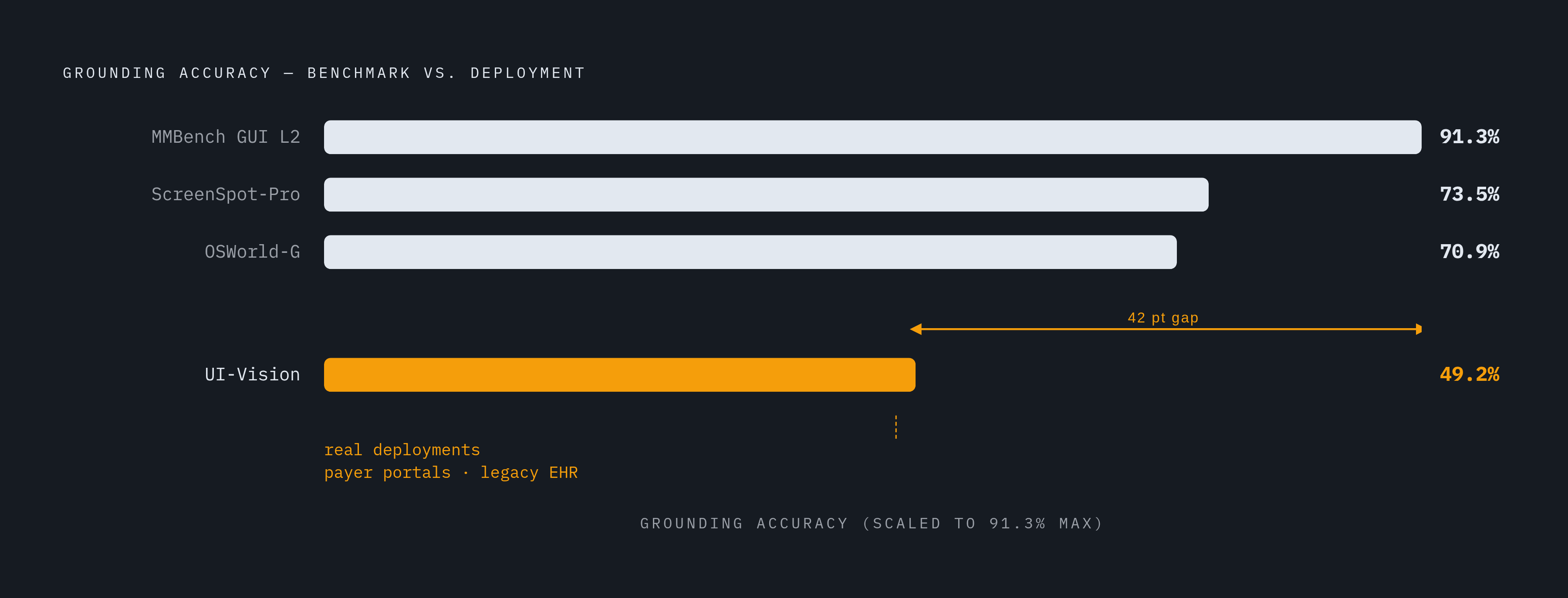
Benchmark numbers from the MAI-UI Technical Report put this in concrete terms: 73.5% on ScreenSpot-Pro, 91.3% on MMBench GUI L2, 70.9% on OSWorld-G, and just 49.2% on UI-Vision. Even a well-built, state-of-the-art model leaves substantial error on the harder end of that spread, and which benchmark gets quoted in a sales conversation will shape how rosy the picture looks. In an operational setting, a dynamic payer portal or a legacy EHR screen, perception quality tends to sit closer to the UI-Vision end of that range than the clean, well-labeled conditions most benchmarks are built on. Action space design has to account for that gap rather than assume benchmark-condition accuracy will hold in the field.
Security and permission scope as non-negotiable constraints on action space design
Deployment changes the stakes in a way benchmarks don't capture. A wrong answer from a chatbot is an inconvenience. A wrong action from a GUI agent running against live software can mean a deleted patient record, a leaked credential, a form submitted with the wrong data, or a misconfiguration that sits there quietly until someone downstream notices.
Real administrative workflows often require an agent to hold login credentials, session tokens, and access to systems containing patient data. The action space has to be bounded by what the agent is authorized to touch, not merely by what it's technically capable of doing. That distinction, capability versus authority, is the whole point of applying least-privilege principles to GUI operations specifically.
The lifecycle framework from Chen and colleagues frames reliability as a joint outcome of perception error, planning drift, memory handling, tool mediation, permission scope, and runtime oversight, not something task success rate alone can capture. In healthcare specifically, any action that reads, writes, or transmits patient data needs to sit inside HIPAA-compliant boundaries, and SOC 2 Type II certification speaks to how auditable those boundaries actually are. High-stakes or irreversible steps, submitting a form, filing a claim, deserve a human-in-the-loop checkpoint built directly into the action space as a "pause and confirm" primitive, rather than leaving full autonomy as the only mode available. And if an agent retains memory across sessions, that memory needs the same compliance treatment as the underlying data it's storing.
Why action space breadth determines which healthcare administrative workflows an agent can complete
Does the agent's action space cover every single step in the target workflow, or does it cover most of them? Partial coverage means partial automation, and partial automation still leaves a human finishing the job.
Prior authorization is a useful stress test. The steps run: log into the payer portal, navigate to the PA form, pull the relevant patient record from the EHR, fill in structured fields, upload clinical documentation, submit, then track status. That single workflow touches clicking, typing, scrolling, file upload, form navigation, and switching context between two entirely different applications. An agent that only knows how to click buttons stalls out the moment it hits the upload step.
Claim denial appeals ask for a different mix: reading and extracting the denial explanation from a portal, composing a written response with clinical justification, attaching supporting documents, and resubmitting. If text manipulation and document handling aren't part of the action space, the workflow simply doesn't complete, no matter how well the agent understands the denial reason. Referral scheduling adds yet another combination: pulling an order from a fax, extracting the relevant details, creating the order in the EHR, reaching out to the patient, and booking a slot in a scheduling interface, each step a different action type, and a narrow action space snaps the chain somewhere in the middle.
Automating one isolated step in a chain, say, just reading the denial reason, delivers a fraction of the value that finishing the entire denial-to-resubmission loop delivers. Denials already cost hospitals over $20 billion a year, and manual rework on a denied claim runs roughly $25 a claim. The financial case for finishing the loop end to end is already made. Action space breadth is the technical gate standing between that case and the outcome.
Multi-agent architectures extending effective action space across systems without API integration
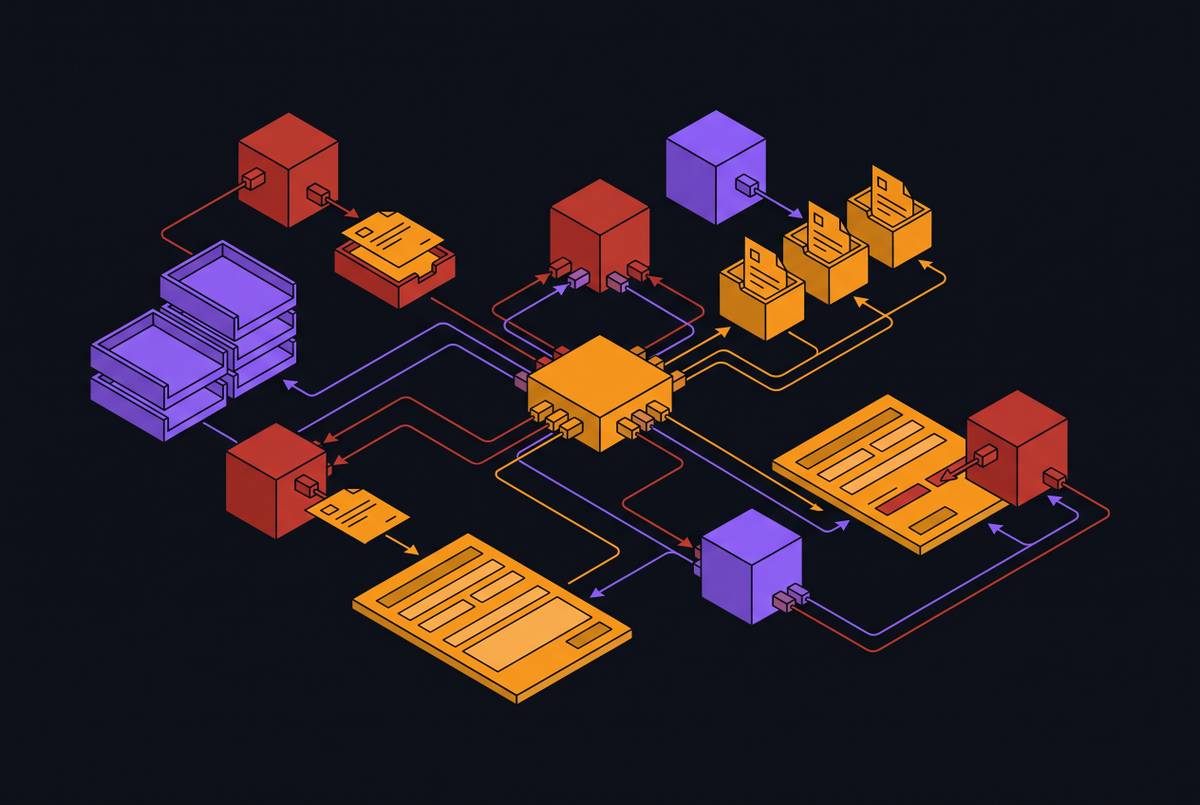
One way past the limits of a single agent's action space is to stop relying on a single agent. Multi-agent designs like CoAct-1 use an orchestrator to break a goal into subtasks and hand each one to a specialized sub-agent, a GUI operator for visual interface work, a coding agent for system-level operations that are better handled programmatically.
This matters because each sub-agent's action space can be tuned to its own domain rather than forced to be a jack-of-all-trades. The GUI operator handles clicking and typing; the coder handles the operations that are more reliable as code than as a sequence of brittle UI steps. When you stack them together, the combined, effective action space is larger than what any single agent could offer alone.
Because these agents interact with a screen the way a human staff member would, reading it, clicking on it, typing into it, they can move across EHRs, payer portals, and other third-party software without needing an API integration or a workflow overhaul on the vendor's end. That's a meaningful point for interoperability: the action space of a GUI agent is portable to any system that has a screen, which sidesteps the usual bottleneck of waiting on proprietary data pipes or integration partnerships.
The tradeoff is coordination risk. An orchestrator that misroutes a subtask, or a sub-agent that hands back an ambiguous result, can cascade into a full workflow failure, so the action space design needs explicit handoff and error-recovery primitives in addition to a bigger toolbox. Alibaba Tongyi Lab's MAI-UI system, from 2024, offers one working example of managing this tradeoff: it routes execution between on-device and cloud models based on task state, and reports a 33% improvement in on-device performance alongside a drop of more than 40% in cloud model calls. That's a demonstration that how tasks get routed, not just what actions are available, has direct consequences for both efficiency and how much sensitive data ever leaves the device.
Criteria for evaluating an agent's action space for a real operational deployment
Start with the workflow. Map out every single step the target process requires, click, type, scroll, drag, file upload, cross-application switch, before looking at what any given agent claims to do. Then check that inventory against the agent's actual action space. Any gap between what the workflow needs and what the agent can issue is a manual step that stays on someone's desk.
Ask how grounding accuracy was measured, and on what interface. A number from a clean benchmark environment says very little about performance on a legacy EHR screen or a payer portal that barely exposes accessibility metadata, and the gap between those two conditions is exactly where deployments tend to underperform their pilot results. Novoflow, a Y Combinator-backed platform that deploys screen-operating AI agents across medical practices' existing EHRs, payer portals, and third-party systems without requiring API integrations, is built to operate in precisely those messier real-world conditions rather than controlled benchmark ones.