Grounding Strategies for Screen-Based Agents
One click to the wrong field cascades into dozens of extra reasoning steps and corrupted workflows.
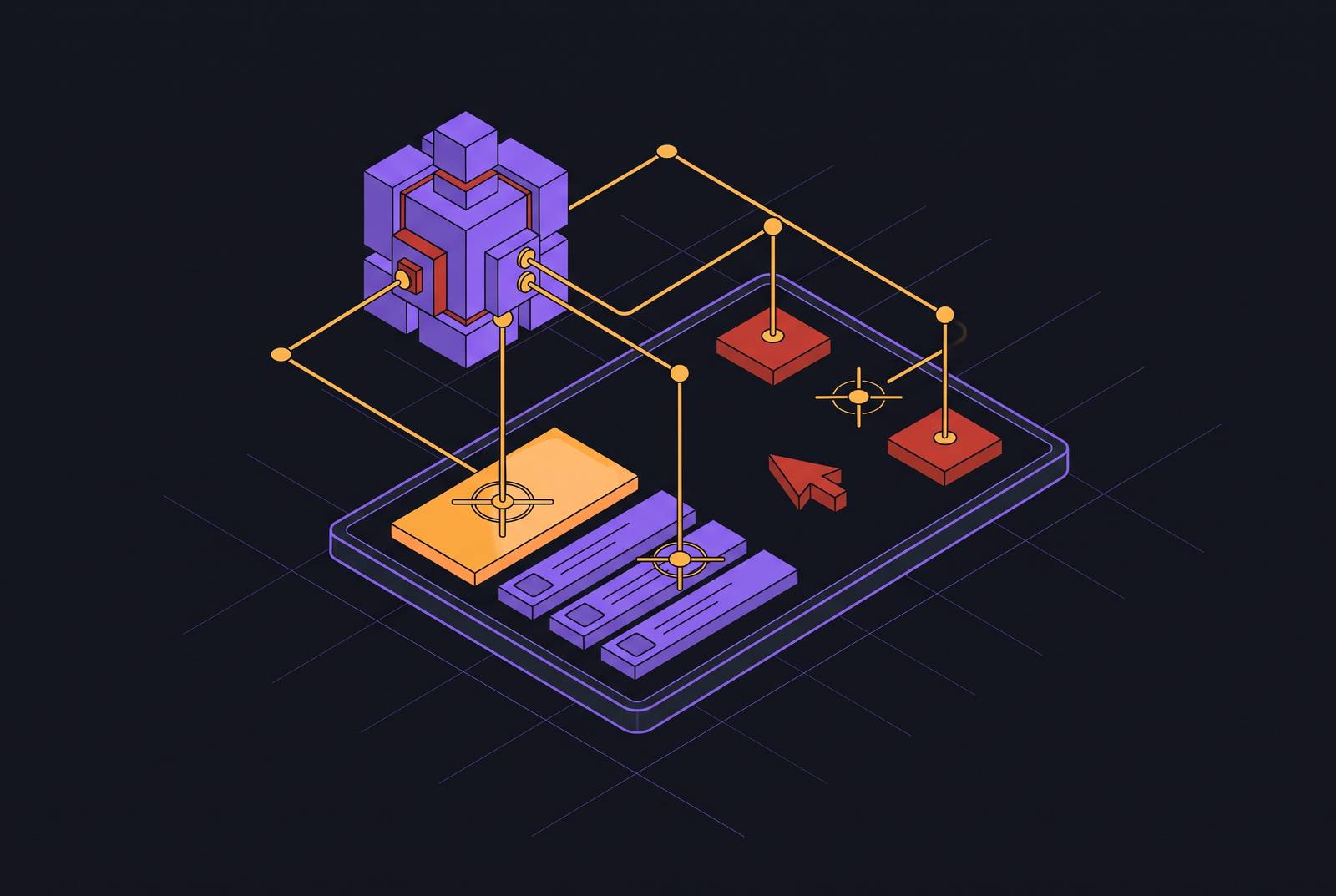
Grounding is the step in a screen-based agent's workflow where an abstract instruction, something like "submit this prior auth," gets turned into a click on a specific pixel or a keystroke into a specific field. It sounds small. It's the reason most agents that work fine in a demo fail once they hit a real payer portal or a legacy EHR module. This piece breaks down the main grounding strategies in use today and what separates the ones that hold up in production from the ones that don't.
Start with the agent loop itself: perception, reasoning, action, verification. The agent takes in a screenshot or some structured read of the screen, figures out what that screen means and what step comes next, then acts, then checks whether the action landed. Grounding sits between reasoning and action. The agent has decided, in the abstract, that it needs to click "Submit." What it doesn't have, automatically, is knowledge of where that button lives, what it's called in this particular interface, or whether the element on screen right now is even the one it thinks it is.
Researchers split this into two layers. There's a semantic layer: what does "submit this form" actually mean given the current screen state, and which visible element corresponds to that meaning? And there's a spatial layer: once you know which element, what are its pixel coordinates, or its node reference, so that a click command can be executed against it. The published framing of this problem is useful because it names the failure modes directly. Conventional grounding models often lack the semantic richness to interpret an abstract instruction in context. End-to-end multimodal models, meanwhile, tend to suffer from coordinate hallucination: they'll confidently output an (x, y) pair that doesn't correspond to anything real on the screen, a side effect of imprecise fine-grained visual perception.
None of this is unique to healthcare. But healthcare interfaces make the problem worse. EHR systems, payer portals, and clearinghouse screens were built for billing compliance and regulatory record-keeping, not for ease of navigation. They're dense, inconsistent from payer to payer, and prone to layout changes that occur with zero notice to anyone outside the vendor's release team. That combination, visual clutter plus unannounced change, is exactly the environment where grounding failures happen most often and cost the most when they do.
Why grounding failures cascade in production
A grounding failure rarely stays contained to one bad click. The agent misidentifies a field, types a patient ID into the wrong box, and the form submits with bad data in it. Downstream steps then build on that error without knowing it's there, because nothing flagged the mistake at the point it happened. That's the cascade: one wrong coordinate resolution early in a workflow can corrupt everything that follows.
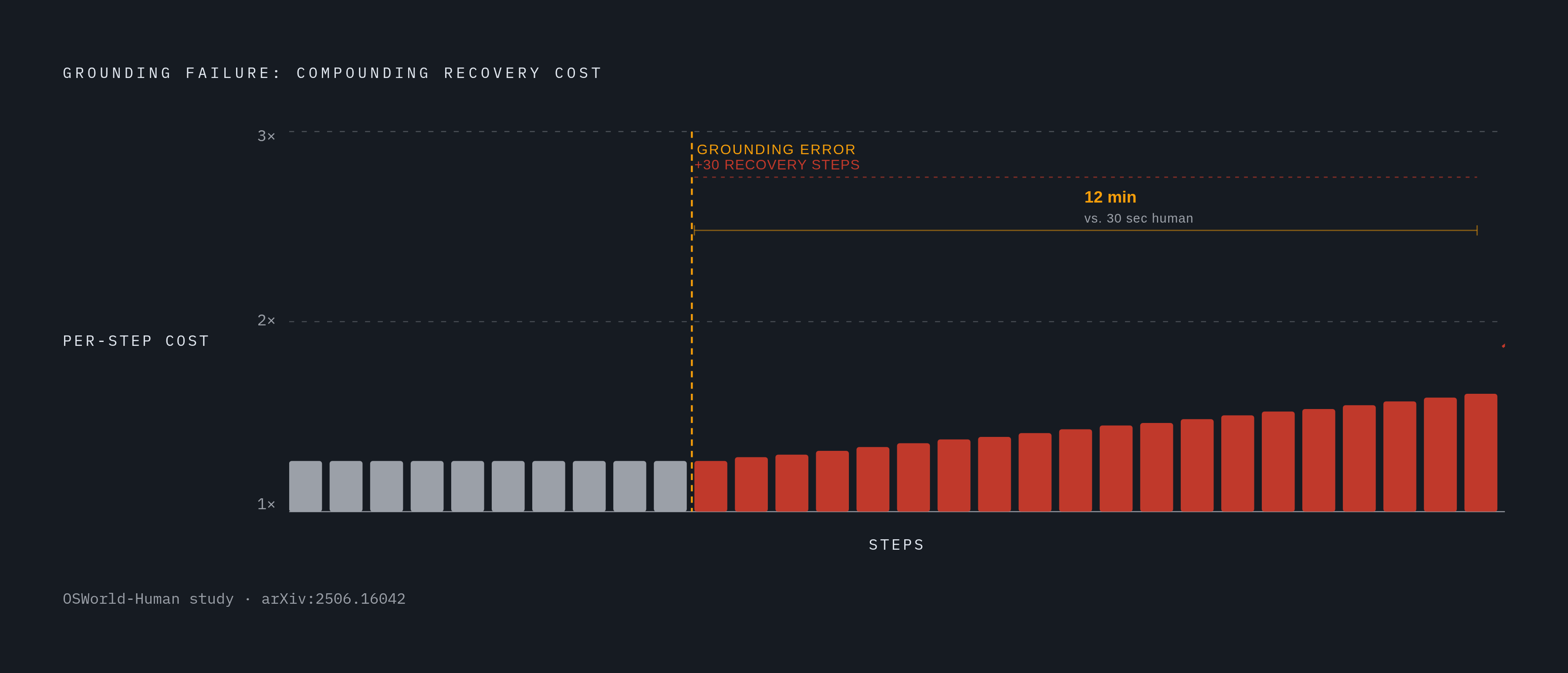
The OSWorld-Human study (arXiv:2506.16042, MLSys 2026) puts a number on where the time actually goes in these systems, and it's not where most people assume. Planning and reflection, the LLM calls where the agent reasons about what to do next, eat up 75 to 94% of total task latency. Grounding itself accounts for roughly 2%. That's a strange ratio at first glance, given how much attention grounding research gets, but it makes sense once you realize a bad grounding decision doesn't just cost the moment it happens: it forces the agent into extra reasoning cycles to recover, sometimes as many as 30 additional steps on a single task.
Accuracy and efficiency are separate costs, and both matter. Even the best-performing agents in that study took several times more steps than a human would need for the same task. Worse, the cost per step isn't flat. As an agent accumulates steps, later steps can take up to three times longer than the early ones. So a grounding stumble near the start of a workflow doesn't just add one extra step, it drags out everything after it. The study documents a task a human finishes in under 30 seconds taking a computer-use agent 12 minutes. That gap is the whole reason latency tolerance matters as a design question: batch revenue-cycle work can absorb it, live scheduling or real-time authorization checks generally can't.
In healthcare terms, a grounding error on a payer portal's prior auth form isn't just wasted compute. It can mean a denial, a resubmission cycle, and a delay in care that has nothing to do with the clinical decision and everything to do with a misclicked dropdown.
The three main channels agents use to perceive a screen before grounding
Before an agent can ground anything, it has to perceive the screen in the first place, and there are three main ways it does that.
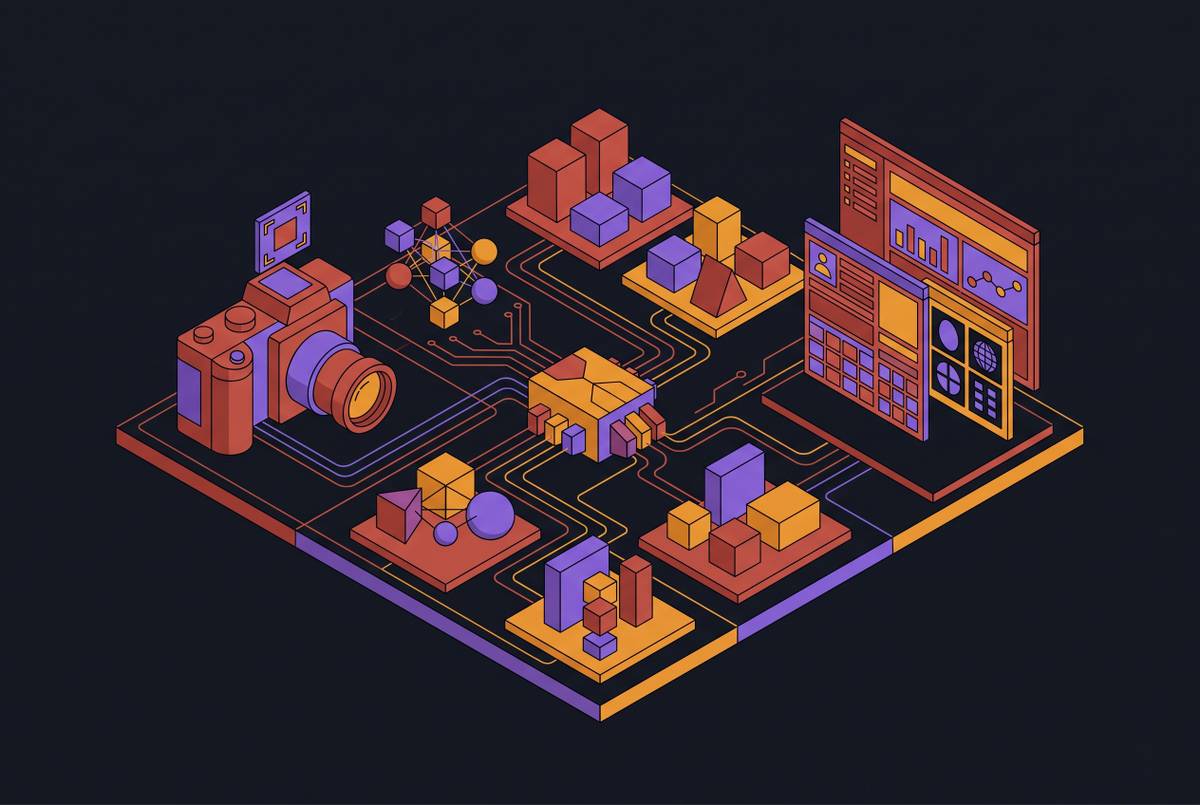
The first is raw screenshots, pixel frames captured periodically. This is the most general method because it works on anything that renders visually, including legacy desktop software that exposes no structured data whatsoever. The second is the accessibility tree, sometimes called the a11y tree or DOM in browser contexts: a structured list of UI elements complete with labels, roles, and hierarchy. Where it's available, it carries a much richer semantic signal than pixels alone. The third is a hybrid: both channels combined, or structure extracted from raw pixels. OmniParser is a screen parsing model pre-trained on screen parsing that extracts element information from raw screenshots without needing the underlying application to expose anything on its own.
Available research has found that DOM snapshots can match or beat screenshots on grounding accuracy. That's a mild complication for the "pure vision" story some vendors tell, since a lot of agents marketed as vision-based are quietly consuming auxiliary text or re-parsed structure at inference time too.
Current screenshot-based agents typically capture one frame every three to five seconds, according to the AOI paper (arXiv:2606.29472). Anything that happens between those captures, an animation, a popup that appears and disappears, a rapid state change, simply doesn't exist for the agent. Accessibility trees have their own gap: not every application exposes a clean one. Legacy EHR modules and a good number of payer portals return sparse or malformed a11y metadata, which is nearly as useless as having none.
A screen-based agent that leans entirely on screenshots will struggle on dynamically rendered payer portals. The OmniParser approach, which pulls structure out of pixels, gains resilience without needing the target application to cooperate.
Coordinate-based grounding and where it breaks
The most basic grounding mechanism works like this: the agent spots a UI element visually, converts that into an (x, y) pixel coordinate, and fires a click or a keystroke at that location. It's the natural output of a vision model, since multimodal models trained on screenshots learn visual-pattern-to-location associations as a matter of course. Coordinate regression is the straightforward way to turn that learned association into an actual command.
Coordinate hallucination is the problem. A model can output a coordinate pair that looks plausible and lands nowhere useful, on empty whitespace, or on the wrong element. This gets more likely when the target is small, low-contrast, or visually similar to nearby elements, which describes a lot of dense clinical and billing interfaces.
Coordinate grounding is also brittle against layout change in a way that should sound familiar to anyone who's dealt with legacy RPA. Moving a field, adding a promotional banner, or renaming a button label breaks a model that memorized where things used to be. That's the exact failure mode that made static-selector RPA unreliable in healthcare settings long before agentic approaches showed up. A 2026 comparative guide on desktop automation methods put OS-level desktop control reliability in the 70 to 90% range, lower than browser automation or other integration-based methods.
None of this means coordinate grounding is useless. It holds up fine on stable, predictable screens with large click targets, in batch workflows where the same screen recurs and mistakes get caught on retry, or wherever a human reviews the output before anything gets submitted. But relying on it alone, across a heterogeneous system, is asking for trouble. That limitation pushed research toward reading what elements mean instead of just where they sit.
Semantic grounding: matching instructions to element meaning rather than location
Semantic grounding flips the order of operations. Instead of resolving "click submit" straight to a coordinate pair, the agent first finds the element whose label, role, and surrounding context match "submit" given the current task, and only then works out where that element actually sits on screen.
One architecture cited in research at arxiv.org/abs/2608.09654 splits this into two components that don't have to fight over the same job. A frozen multimodal or language model handles instruction parsing and semantic interpretation. A separate, dedicated grounding model handles precise localization. Trying to make one model do both at once creates a tug-of-war: semantic richness and spatial precision pull model capacity in different directions, and something usually gives. Splitting the work avoids that trade-off. Models pre-trained on screen parsing, again OmniParser is the cited example, parse screenshots into structured elements that support downstream decisions on click, type, and scroll tasks.
Skyvern's published approach to payer portal automation is a concrete illustration of this in practice: an LLM reads the live page, identifies form fields by their labels and surrounding context rather than by a hardcoded XPath selector, and decides on an action from there. When a payer redesigns its portal layout, the automation doesn't need a maintenance patch, because it was never relying on memorized coordinates to begin with; it's interpreting meaning fresh each time.
This is arguably the single most relevant strategy for healthcare payer portals specifically. Portals change often, aren't standardized from one payer to the next, and rarely expose reliable structural metadata. Label-based semantic matching tends to hold up better than coordinate or selector targeting in that environment. It's not without a weak point, though: semantic grounding still depends on labels meaning something. Some legacy EHR screens use field labels so cryptic or truncated that no amount of language understanding rescues them.
Structural grounding via accessibility trees and DOM parsing
Accessibility trees give an agent a structured hierarchy: roles like button, input, or checkbox, labels, states such as enabled or checked, and a navigation path through the page. That's a much richer signal than pixels, and it's far less dependent on visual interpretation holding up frame to frame.
Agents that use this approach parse the DOM or a11y tree into a compressed form and map the intended action onto a named node in that structure, rather than a coordinate. Clicking the node stays reliable even if the visual layout shifts around it, since the node's identity doesn't depend on where it happens to render on screen. As mentioned above, available research found DOM snapshots can match or exceed screenshot-based grounding accuracy in browser contexts, which undercuts some of the marketing language around "pure vision" agents that quietly lean on structure anyway.
Structural grounding has real limits in healthcare. Plenty of payer portals render fields dynamically through JavaScript, so the DOM captured at page load doesn't match what the user, or the agent, is actually interacting with once the page finishes rendering. Legacy EHR modules, especially thick-client applications and older web layers bolted on top of them, often expose sparse or malformed accessibility trees, missing labels and broken hierarchies included. Some mobile views and cloud-hosted portal interfaces strip accessibility metadata out.
So structural grounding is powerful where the environment is well-behaved, but it can't be the only strategy across the full range of systems a healthcare agent has to work in. Hybrid approaches, parsing structure out of screenshots the way OmniParser does, parsing structure out of raw screenshots, close some of that gap. Agents that can fall back to visual grounding when tree quality is poor tend to be the more resilient ones in practice.
Self-healing grounding and reinforcement-based adaptation
Even a semantically sharp agent runs into things no static grounding strategy anticipates, such as a layout that changed overnight, an unexpected modal dialog, a transient error banner, or a session that silently timed out. None of the strategies above have a built-in way to notice that something went wrong and adjust. That's a separate capability, usually called self-healing.
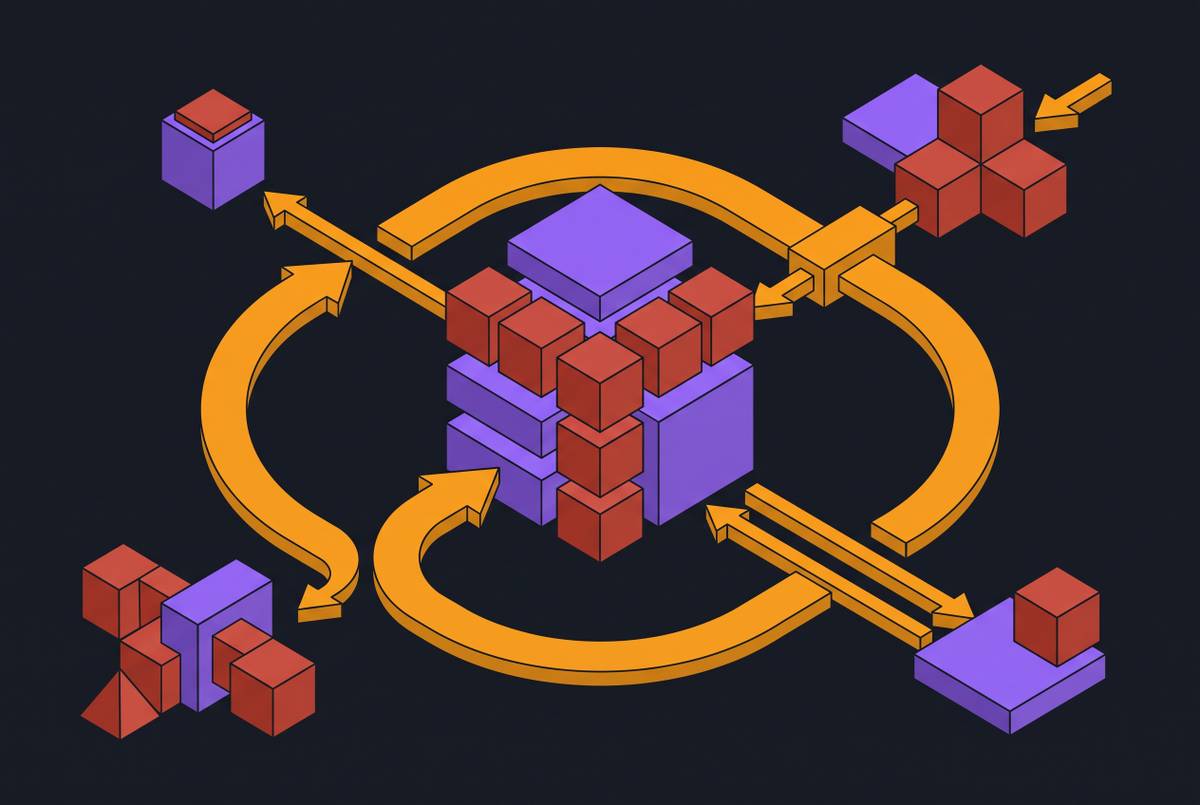
Self-healing means the agent checks whether an action produced the result it expected, and if not, re-examines the current screen state and re-grounds its next attempt using fresh visual or structural input, instead of blindly repeating the same click at the same spot. That's a meaningfully different behavior than simple retry logic. A retry loop just tries again. Self-healing re-interprets: it might notice a new field appeared, that the layout shifted, or that a CAPTCHA now blocks the path forward, and route around it accordingly.
Reinforcement learning adds a further layer of improvement on top of this, particularly on specialized, high-difficulty interfaces. On the ScreenSpot-Pro benchmark, which spans a range of professional domains, RL-based post-training improved the average accuracy of already-strong agents like GUI-Owl-1.5 and UI-TARS-1.5 by roughly 5 percentage points, a meaningful gain given that these are high baseline performers to begin with.
The AOI research (arXiv:2606.29472) speaks directly to the blind spot raised earlier: agents relying on periodic screenshots, one every three to five seconds, miss whatever happens between captures. Systems built around the Agent-Computer Observation Interface, which adds keyframe capture and narration between steps, gained a wide range of percentage points over screenshot-only baselines on dynamic browser tasks, with the largest gains showing up on tasks that fixed-interval screenshots handle least reliably.
That matters directly for payer portal work. Portals throw up transient status messages, spinning loaders, session warnings, and multi-step confirmation dialogs constantly. An agent blind to what happens between screenshots will misread the current state and ground its next action on stale information.
Self-healing isn't free, though. It buys robustness at the cost of extra steps, and extra steps compound latency under the same step-cost growth dynamic from the OSWorld-Human data, where each additional step can run up to three times slower than the ones before it. A more resilient agent, in other words, is also often a slower one.
How the strategies combine in a production healthcare workflow
No single grounding strategy covers the range of interfaces a healthcare agent actually runs into over the course of one workflow. A modern browser-based payer portal calls for semantic grounding on field labels, backed by structural DOM parsing where the tree is clean enough to use. A legacy thick-client EHR module, lacking any exposed structure at all, needs visual or coordinate grounding paired with screen parsing to manufacture structure out of pixels. A portal that renders fields through JavaScript and throws up transient dialogs needs semantic grounding plus the kind of adaptive, between-frame observation described above.
The architectural conclusion follows directly: healthcare agents need a grounding stack, not a single method, with the ability to fall back from one strategy to another depending on what the current screen actually exposes. Automating something like a prior authorization workflow, which typically crosses an EHR, a clearinghouse, and several distinct payer portals in one run, means the agent has to ground reliably across all of them without a break. A strategy tuned for one system can fail outright on the next.
There's a real speed-versus-robustness trade-off operators need to keep in mind here. Structural grounding is fast when it's available. Semantic and visual grounding are slower but more general. Self-healing buys resilience at the cost of more steps and more latency. Calibrating the mix against a given workflow's urgency and error tolerance is the actual design problem.
The latency reality check matters too. Even a well-grounded agent moves slower than a direct API integration would. The OSWorld-Human data puts agents at several times more steps than a human doing the same task. That's an acceptable trade for high-value, high-volume administrative work, prior authorizations, denial appeals, where the alternative is manual staff time anyway. But it puts a hard ceiling on how far these agents can reach into real-time use cases.
Computer-use agents earn their place in healthcare precisely because there's no clean API to call instead. The alternative is a staff member clicking through the same messy, unpredictable interfaces by hand. Grounding strategy is what decides whether the automation built to replace that manual work holds up over months of portal redesigns, or breaks the first time a payer changes a form.
Evaluating a screen-based agent's grounding durability
It's a question of whether an agent's grounding will still work on a given operator's systems a year from now, after the portals have been redesigned twice and the EHR vendor has pushed three updates. It's a question of whether an agent's grounding will still work on a given operator's systems a year from now, after the portals have been redesigned twice and the EHR vendor has pushed three updates nobody asked for.
Start by asking what happens when a screen changes. Does the agent depend on memorized coordinates or selectors that break the moment a field moves, or does it reason from labels and context that survive a redesign? Ask what it does when accessibility metadata is missing or malformed, since that's the norm rather than the exception across a lot of legacy healthcare software. Push on whether it can detect its own mistakes: an agent with no self-healing mechanism will happily submit a form with the wrong data in it and never know.
Latency tolerance for the specific workflow matters just as much as accuracy. A batch revenue-cycle process can absorb an agent that takes several extra minutes per case. A real-time scheduling or eligibility check generally can't. Finally, ask what channels of perception the agent actually has access to, screenshots alone, accessibility trees alone, or some fused combination, because that answer predicts, more than almost anything else, how it will behave on the messiest system in the stack.