Iframe and Embedded Component Navigation in Healthcare Web Applications
Vision-based AI agents can navigate healthcare systems that automation tools cannot.

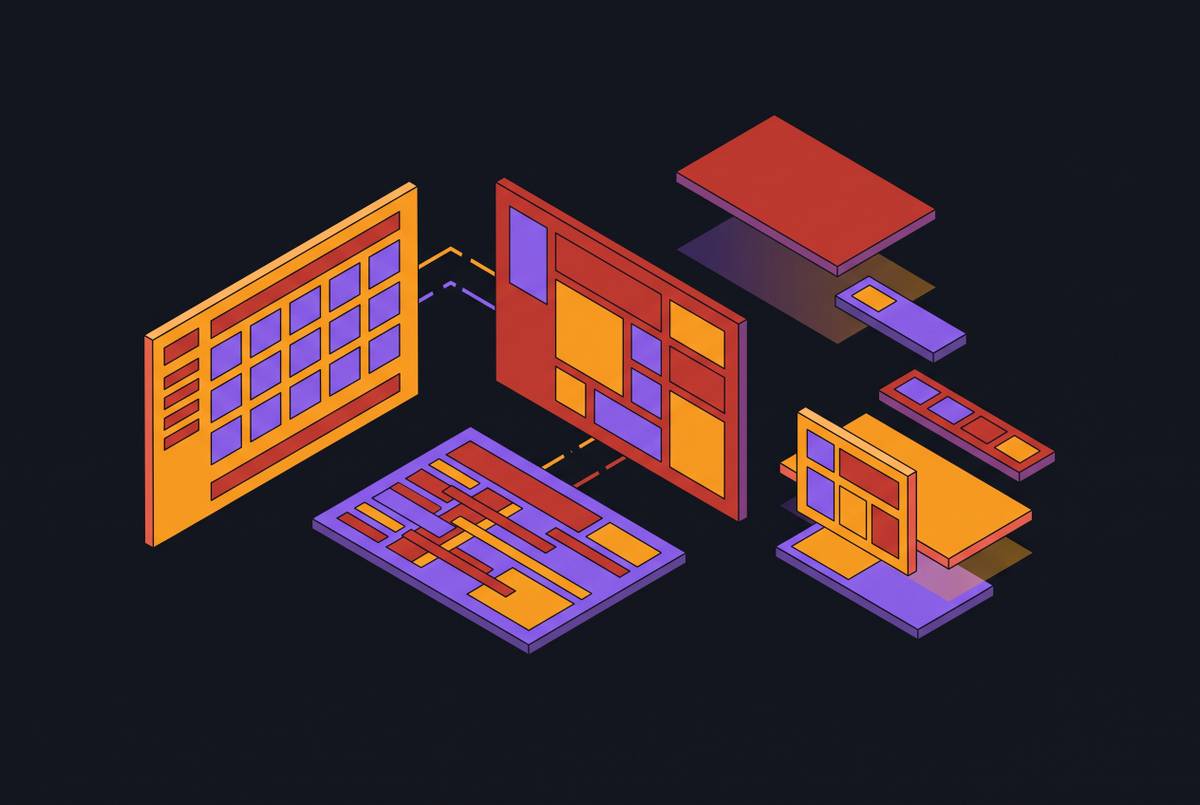
A billing coordinator working a denied claim might have four windows open at once: the EHR on one monitor, a payer's authorization portal loading inside a frame on the other, a fax queue waiting in a third tab, and a clearinghouse dashboard loading in a fourth, none of them built to talk to the others. Watching that frame load makes the mechanism behind it clear. None of these systems were built to talk to each other. The EHR vendor does not control the payer's codebase, the payer does not control the EHR's API, and so the portal gets embedded as a frame inside the EHR's interface because that is the fastest way to put someone else's payment form, benefits-verification widget, or referral screen in front of a staff member without asking two companies to rebuild their software around each other. The iframe is a workaround for a problem the industry never solved: real integration.
There is a better way to build this in principle, but the iframe remains the default because it is the one tool that lets two unrelated systems share a screen without either side changing its code.
What iframes do and why they create isolation
An iframe is a nested browsing context: a document loaded inside another document, with its own styles, its own scripts, and its own DOM, kept separate from the page that contains it. That separation is intentional. It causes nearly every problem that shows up later in this piece, whether the context is automation, compliance, or plain usability.
Because the iframe runs as its own browsing context, the parent page cannot reach into it and the embedded page cannot reach out, at least not directly. The one sanctioned channel for crossing that boundary is the browser's window.postMessage() API, which allows two windows, or a window and an iframe, to pass messages back and forth deliberately. Absent that explicit handshake, the two contexts behave as though they are running on separate machines, even though they are rendered on the same screen.
The isolation creates other costs. And the sandbox that isolates a frame from its parent page cuts in two directions at once. It protects the parent application from code it did not write and cannot fully trust, which is the entire point of the boundary, but that same wall blocks the kind of communication a genuinely connected workflow would need: an architecture meant to contain risk ends up constraining the systems trying to share data across it.
Where traditional automation breaks against the iframe boundary
Robotic process automation tools work by finding elements in a page's DOM and acting on them: locate this field, click this button, read this value. That approach runs directly into the iframe boundary described above. An RPA bot operating on a parent page simply has no view into an embedded payer portal's document. It cannot read a field it cannot see, and it cannot fill a form it cannot reach.
A bot can often navigate an EHR interface without trouble, since that interface is usually a single origin the bot's selectors were built against. Better scripting does not fix this. The boundary is enforced by the browser itself, as a security measure, and payers have no reason to loosen it for the convenience of any particular automation vendor trying to work around it.
The result lands squarely on the parts of the job that take the most time. Prior authorization shows this pattern clearly. Completing a single authorization can require opening an EHR record, switching into a payer portal that is embedded or launched in an adjacent tab, entering diagnosis codes and provider identifiers, attaching documents, and recording an authorization number, with each step potentially crossing an origin boundary that a DOM-based tool simply cannot cross.
How computer-use agents navigate iframes differently
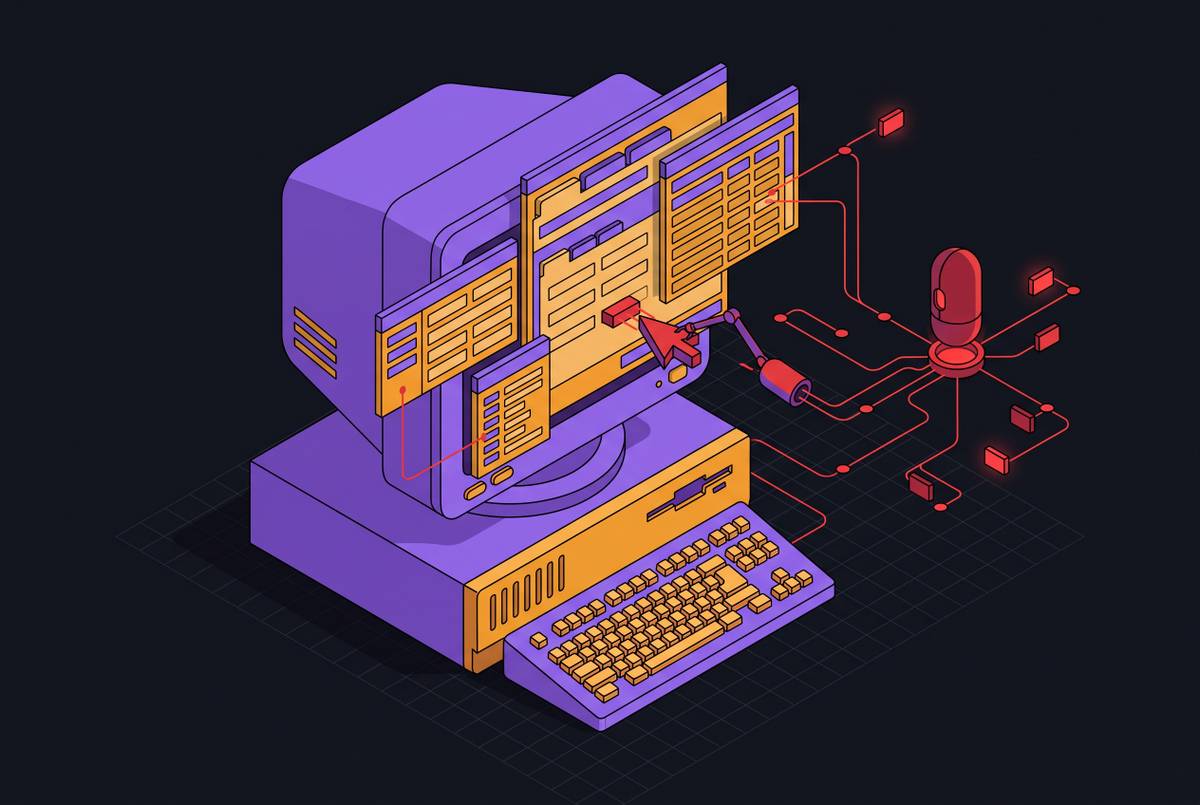
Computer-use agents work from a different starting point. Instead of reading a page's underlying code, they read a screenshot of whatever is actually rendered on screen, the same way a person looks at a monitor. That shift in approach makes the sandbox boundary that stops DOM-based tools beside the point, because a screenshot does not care which origin produced which pixels.
A vision-based agent takes in an image of the current screen state, figures out what that image represents, and decides what to click, type, or scroll next, working the way a staff member would. HealthAdminBench, a benchmark built by Stanford's Shah Lab along with Stanford Healthcare and Kinetic Systems, tests this kind of agent against four simulated environments: an EHR modeled on Epic, a payer portal modeled on Anthem, a second portal modeled on Availity, and a fax system modeled on RightFax. The benchmark was built around exactly these four environments because real administrative work requires moving across distinct, disconnected interfaces like these, and a benchmark that tested only one system would miss the problem.
Because a screenshot-reading agent is not injecting code or walking a DOM tree, it needs nothing from the payer: no API access, no plugin installed in the portal, no change to how the EHR is built. It works on whatever is rendered, which is the same surface available to a human employee. Browser infrastructure built specifically for AI agents, such as Hyperbrowser's handling of nested and cross-origin iframe contexts, exists because standard browser automation cannot manage those contexts reliably, and agents need an underlying environment that can.
This does not mean the problem is solved. A screenshot-based agent can respond to these shifts because it reads the actual state of the screen rather than hunting for an element that may no longer exist, but reading the screen correctly and acting on it correctly across every real-world variation is a harder standard than navigating a clean, controlled environment. The gap between what the mechanism makes possible and how reliably it performs in practice matters.
Benchmark performance on real administrative workflows
Crossing an iframe boundary is a precondition for useful automation in healthcare administration, not the finish line. The harder standard is finishing an entire workflow from start to end, and the data on that standard calls for some honesty about where the technology currently stands.
HealthAdminBench evaluates agents against 135 expert-designed tasks spanning prior authorization, appeals and denials management, and durable medical equipment order processing, each requiring movement across the EHR, payer portals, and fax environments in sequence, which mirrors the iframe-crossing challenge real staff face every day. The benchmark separates two different measures of success: whether an agent completes an individual step within a workflow, and whether it completes the full sequence of steps correctly from beginning to end. The space between those two numbers is where an honest assessment of current capability actually lives. An agent can handle individual fields and individual screens competently and still fail the larger task, because a small error in one embedded portal can cascade into a failure further downstream, or because session state gets lost crossing from one iframe to the next. That gap between subtask success and full-task success is substantial, and treating subtask performance as a proxy for reliability overstates what a deployed agent can be trusted to do unsupervised.
The benchmark's own structure points to a second limitation. Reported performance on a benchmark like this should be read as an approximation of real-world difficulty, not as its outer limit. A Blue Cross portal and a state Medicaid portal do not present the same iframe complexity, and task difficulty shifts by service line, so the number that matters is the one measured against the actual systems a given practice uses.
HIPAA and PHI exposure created by cross-origin iframe sessions
The same multi-origin structure that defines a healthcare administrative workflow also defines its compliance risk. A single agent session can touch an EHR domain, one or more payer portal domains, and a fax gateway in sequence, and protected health information moves across all of them. Every screenshot the agent captures, every action it logs, and every data buffer it holds during that session counts as a PHI artifact, because each one can contain patient information rendered on screen at that moment.
HIPAA attaches to every point in that chain that touches PHI, not just the database where data eventually lands. Business Associate Agreements need to cover the full vendor stack involved in a deployment, not just the storage layer at the end of it. SOC 2 Type II certification and HIPAA BAA availability function as baseline requirements for any vendor operating in this space: a practice should expect both as the price of entry, and treat their absence as disqualifying.
The screenshot buffer deserves particular attention because it is easy to overlook. The automation layer sitting above both needs to be explicitly accounted for in the compliance architecture, rather than assumed to be covered by whichever agreement happens to be closest at hand.
The regulatory constraint that shapes how autonomous agents can act in embedded workflows
Technical capability and legal permission are not the same thing. An agent can be fully capable of navigating a payer portal embedded in an iframe and submitting a prior authorization request start to finish, and the law in parts of the country can still restrict whether that final step is allowed to happen without a person involved.
Texas passed a law in 2025 that bars utilization review agents from using automated decision systems to issue adverse determinations, in whole or in part. That same logic applies beyond the statute itself: clinicians carry legal responsibility for administrative decisions that affect patient care, which makes human review a matter of professional liability as well as regulatory compliance, and that liability shapes where an agent is allowed to act on its own and where it has to stop and wait for a person.
Read correctly, this constraint is not a ceiling on what the technology can do. It is a map of where automation creates value without creating risk. Navigating the frame, reading the rendered form, and filling in structured fields from information already on file are tasks an agent can own. The decision to approve, deny, or escalate a request is a judgment call that belongs to a person, and the sensible design places a pause point exactly there, between the data-gathering work an agent does well and the determination a human has to make.
What cross-system, iframe-aware agent deployment looks like in practice
An agent that can genuinely navigate iframes does more than speed up one screen. It can follow a workflow across every system a staff member already touches, in the same order that staff member already touches them, without requiring any of those systems to be replaced or wired together through a new API.
Prior authorization remains the clearest case. HealthAdminBench's task design was built around the same pattern: its simulated environments came out of more than 100 hours of observing real administrative work, the kind where staff constantly move information between systems by hand, and the 135 tasks defined from that observation were built to mirror that reality.
Allegheny Health Network's work with Humata on automating prior authorization shows what this looks like at real scale: the partnership handles more than 200,000 authorizations a year, and the deployment team has reported a first-pass approval rate as one measure of how the system performs under live conditions. A result like that illustrates what a workflow-specific KPI looks like once an agent system is running in production.
The value an agent provides here is not that it displaces the EHR or the payer's portal. It operates across both without asking either one to change, which is what "working with systems as they already exist" has to mean for a practice that has no path to negotiate a custom API integration with a payer that has no reason to build one. The architecture needs to absorb layout changes, expired sessions, and portal updates as a matter of course, not as a special project each time one occurs.
Evaluating whether an agent genuinely handles your iframe environment
Knowing that computer-use agents can, in principle, navigate iframes does not tell a practice administrator whether a specific agent will work on the specific portals that specific practice uses every day. The question that actually matters is whether a given agent has been tested against the payer portals, the EHR screens, and the embedded components that show up in a practice's own workflows, not against a generic simulation built to represent the category.
The simulated-environment limitation visible in the benchmark data applies directly to vendor evaluation. Whether a vendor's agent reads the screen at the pixel level or depends on DOM selectors that will simply stop working the moment they hit an iframe boundary is worth asking directly, because that architectural choice decides whether the tool can function in this environment. A vendor should also be able to say directly how agent sessions get logged, and whether those logs qualify as HIPAA-compliant PHI artifacts that a compliance officer can actually audit.
Where that pause point sits in a given workflow, and whether a practice can adjust it, also deserves a direct answer before any agreement is signed. The real measure of an agent's worth in an iframe-heavy environment is whether it completes the full workflow, across every system a practice's staff already use, at a level of reliability the practice has agreed to in advance, before the agent ever touches a live patient record.