Clipboard and Form Fill Reliability in Healthcare Software
Screen-operating agents can navigate fragmented healthcare software without breaking.
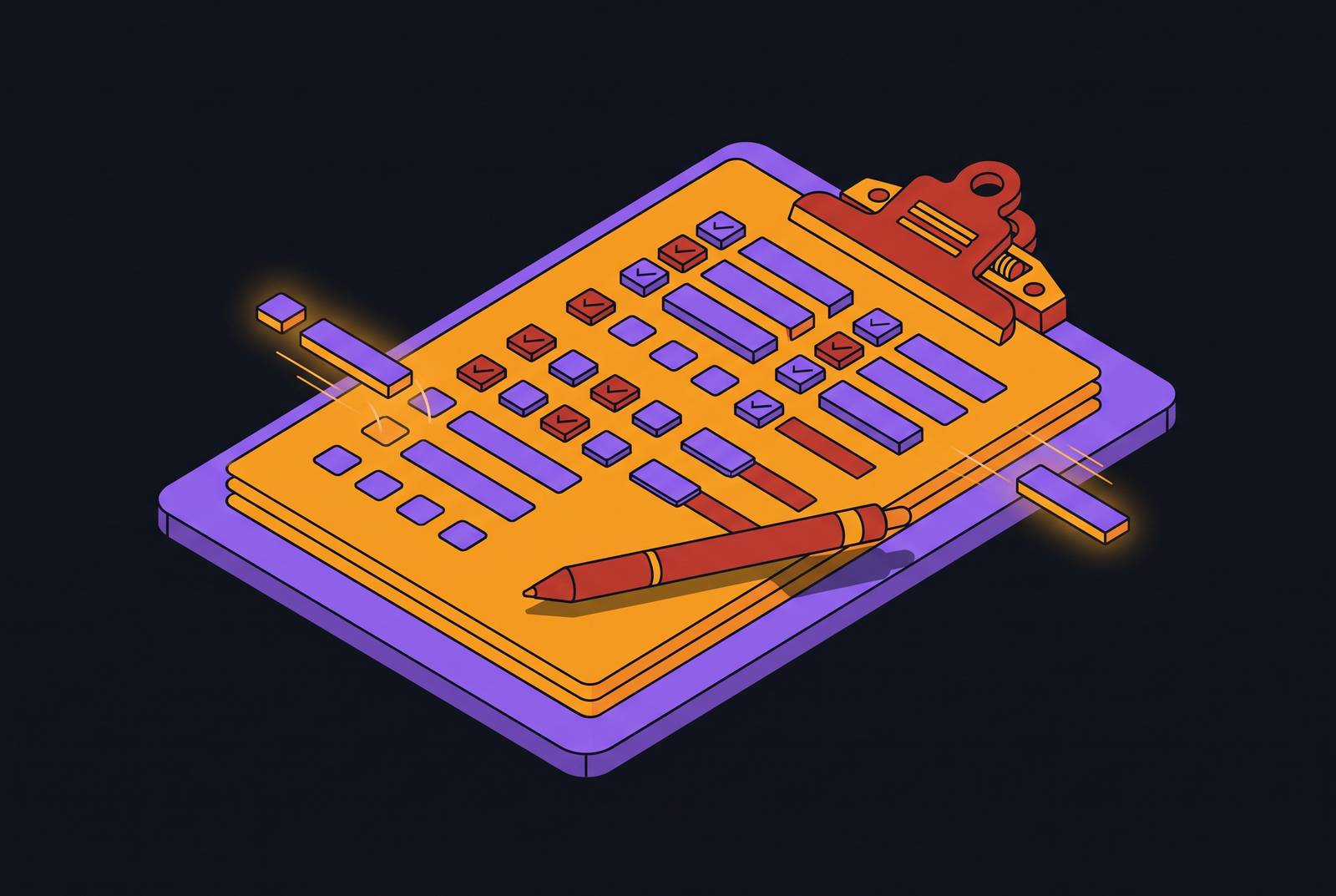
A medical assistant reads a patient's diagnosis code off the EHR screen, then switches windows and types it into a payer portal's form. This happens thousands of times a day across every practice in the country, and it is how administrative workflows break down, not a background inconvenience layered on top of otherwise functioning systems.
Administrative data re-entry as the mechanism of workflow breakdown
Staff members connect systems that were never built to talk to each other, and that eats up a measurable share of their day. The EHR holds the clinical record. The payer portal wants a prior authorization form filled out. The scheduling tool needs an appointment confirmed. None of these systems exchange data with each other on their own, so a person has to read the information off one screen and key it into the next, the default condition for prior authorization, claim submission, referral intake, eligibility verification, and scheduling, which together make up the highest-volume administrative work in any practice.
The term for this, inside healthcare operations, is clipboard reliability: whether information copied or typed across a system boundary arrives on the other side accurate and complete. A staff member who makes an error re-keying a diagnosis code today will have the same opportunity to make the same error tomorrow, because nothing about the two systems' relationship to each other has been fixed in between.
How system fragmentation produces clipboard and form-fill failures
The EHR, the payer portal, the clearinghouse, and the scheduling platform in a typical practice were built by different companies, at different times, for different purposes. None of them share a common data layer, and no standard forces them to. Each one has its own login, its own way of structuring a patient record, its own field requirements. That means every time a task crosses from one system to another, a person has to perform the translation the software itself cannot do: copying a patient identifier, a date of service, a diagnosis code, or a prior authorization number out of one system and into another.
These mismatches happen often, and you rarely see them until they cause a problem. None of these produce an error message at the moment of entry. They appear later, in a denial or rejection, by which time the original data-entry step is long finished and the person who made it has moved on to the next task.
Payer portals concentrate this problem more than any other part of the workflow. That one-year gap means that through 2026 and into 2027, practices and any automation built for them need to work both the new FHIR channels and the old legacy ones, including X12 transactions, manual portals, and fax, at the same time. If a FHIR API doesn't yet exist for a given payer, staff have to fall back on manual portal navigation, and that is the least reliable mode of form fill there is, because it depends entirely on a user interface that can change without notice.
Where form-fill failures concentrate and their downstream cost
Form-fill failures don't spread evenly across a practice's workload. They cluster at the points where data has to cross a system boundary under a deadline, and healthcare agent workflow analysis identifies four recurring clusters: clinical sign-off on notes and orders, outbound submissions to payers, medication and problem-list changes, and adverse coverage decisions. Of these, prior authorization carries the sharpest consequences.
A prior authorization submission with a field error, a mismatched date, a missing diagnosis code, an NPI entered in the wrong format, doesn't get fixed in place. It gets rejected outright and has to be resubmitted from scratch, which restarts the clock on a decision timeline the CMS rule now requires payers to meet: 72 hours for urgent requests, 7 calendar days for standard ones. Claim denials follow a similar arc. What started as a single data-entry slip turns into a full remediation workflow that consumes far more staff time than correct entry would have taken the first time.
Referral intake carries the same exposure. Claim denials represent the single largest source of preventable revenue leakage in most practices, and the administrative cost of working them by hand, one at a time, is substantial. Authorizations can lapse before the scheduled appointment happens, and referrals can quietly stall when the intake process never completed, so the damage keeps compounding.
Why traditional automation, RPA and API integrations, does not fix the underlying failure
RPA and point-to-point API integration are the two standard responses to this problem, but both end up depending on the same conditions that cause the failures to begin with. When the portal's layout changes, a field moves, a button gets renamed, a session times out mid-task, the automation either breaks silently or keeps running and enters incorrect data without any indication that something went wrong.
Building and keeping up a separate integration for every pair of systems a practice uses is slow and expensive, and the resulting web of connections breaks every time one side updates its software.
Neither approach was built to handle the kind of multi-system, multi-authentication task a real prior authorization workflow requires: authenticating to the EHR, pulling clinical documentation, navigating a payer portal, filling out a questionnaire, attaching a file, and writing the result back to the original system. Benchmark research on long, repetitive agent tasks (the OS-Marathon work) found that when you break a workflow like this into isolated subtasks, errors don't stay contained; they accumulate and propagate from one step to the next. In practice, most offices build a narrow automation for one system and handle everything else by hand, or they give up on automation and staff the full workflow manually. Neither option touches the structural cause of clipboard failures.
How screen-operating agents perceive and act on software the way a staff member does
Screen-operating agents take a different route: they avoid the interface-stability problem that breaks RPA, and they don't need the API access that locks out most integrations. These agents interact with software the same way a person does: by looking at the screen and acting on what they see. That means they can operate any system a staff member can reach, without needing that system to expose any special integration.
A computer-use agent perceives the state of a piece of software by processing screenshots and applying visual grounding models that identify fields, buttons, dropdowns, and tabs, then carries out keystrokes, clicks, and form entries one step at a time. In a live software environment, a failure at any one of these layers can produce a deleted record, a leaked credential, or a lasting misconfiguration, not merely a wrong answer on a quiz.
Because the agent is reading the interface directly rather than following a recorded script or calling a fixed API, it can adapt to a UI that's changed, a session that's timed out, a multi-factor prompt, or a mid-task state change, the exact conditions that break RPA, by perceiving the new state and adjusting its next move accordingly. A well-built agent uses both, defaulting to visual navigation where no API is available and switching to a structured call where one is, which is exactly the hybrid behavior the CMS rule's dual-stack period demands. For form-fill reliability, this matters directly: the agent reads each field's current state before acting on it, so it can catch a format mismatch or a missing value at the moment of entry, before a rejection arrives days later. The OS-Marathon research also found that even strong agents still struggle with long, repetitive tasks once errors start compounding across steps, but that showing the agent a single human demonstration of the recurring sub-workflow (what the researchers call the GraphDemo strategy) meaningfully improved performance, pointing toward a model where the agent's behavior is shaped by how real staff actually do the work, not by a generic instruction set.
The reliability conditions that determine whether a screen-operating agent performs like a trained staff member or breaks like an RPA script
You still face risk of failure when you switch to a screen-operating agent. The agent still faces drift in planning across a long task, authority scope that's too broad, ungoverned access to protected health information, and interface drift after the agent has already gone live, the same conditions that produce clipboard failures in human-run workflows.
Planning drift, the tendency for an agent to lose alignment with the task across a long sequence of steps, matters most in prior authorization and claim submission, where one incorrect field at step 7 of a 12-step form can produce a denial that nobody notices until days later. HIPAA's Privacy Rule, Security Rule, and Breach Notification Rule all apply to any system that creates, receives, maintains, or transmits electronic protected health information, an AI agent operating a payer portal included, and a 2025 proposed update to the HIPAA Security Rule would require practices to keep a written inventory of technology assets that would include any AI system touching ePHI. If a vendor's agent handles PHI on a practice's behalf, it counts as a business associate, so it needs a signed business associate agreement before deployment. UI drift rounds out the list: payer portals and scheduling tools update their interfaces without warning, and that's the maintenance-stage failure that quietly breaks a deployment that worked fine on day one. Ongoing monitoring is what catches a UI change before it turns a previously reliable step into an unreliable one.
What a well-deployed screen-operating agent does across a complete prior authorization or claim workflow, and where human oversight stays in the loop
A screen-operating agent doesn't get its value from automating any single form-fill step. It comes from owning the entire cross-system sequence, from the moment a trigger appears in the EHR to the moment the result gets written back, while staff stay in the loop at the points where judgment is required.
The same pattern holds for denials. The agent classifies the denial reason, pulls the relevant chart documentation, and drafts the appeal, a task that currently requires a staff member to work through a denial queue by hand, one claim at a time, with no automated help assembling the context. What separates it from earlier automation is that it tracks the task through to completion rather than stopping the moment it reaches the edge of one system. The write-back step, updating the EHR order or task queue with the authorization number, the denial, or the appeal status, is what closes the loop and removes the final re-entry event that would otherwise require a staff member to carry the result manually from the payer portal back into the practice management system.
Novoflow and other screen-operating agent platforms' approach to deployment across existing systems
You don't test a screen-operating agent platform by whether it can complete a form-fill task in a demo. It's whether it can go live against a practice's actual systems, without requiring new API integrations or a replacement EHR, and hold up reliably across the cross-system, multi-authentication workflows where clipboard failures actually happen.
Novoflow deploys computer-using agents that work inside a practice's existing systems, EHRs, payer portals, and other third-party software, the same way a staff member would: reading screens, clicking, typing, navigating, with no API integrations and no overhaul of how staff already work. The platform holds SOC 2 Type II certification and is HIPAA compliant, meeting the baseline compliance bar for any agent handling PHI inside a payer portal or EHR, including the business associate agreement required of any vendor touching ePHI on a practice's behalf. Novoflow measures its own performance by whether the agent works like a trained staff member available around the clock, a standard set against workflow-specific baselines agreed at deployment, not a one-size-fits-all promise.
Other platforms take a different shape. Automation Anywhere applies governed agentic automation to healthcare workflows including claims processing and patient intake, and this suits large health systems that already have the governance infrastructure and IT staff needed to configure and maintain a platform of that scale.
End-to-end workflow ownership as the correct unit of measurement for form-fill reliability
Clipboard and form-fill reliability can't be judged one field or one system at a time, because the failure itself is cross-system and sequential. If a prior authorization workflow automates the payer portal form but a staff member still has to pull clinical documentation from the EHR by hand and write the authorization number back into the scheduling system by hand, three manual data-transfer points remain, and each one is a clipboard failure waiting to happen.
Healthcare AI agent deployment analysis makes the compounding math explicit: a drop of even a few percentage points in denial rates shrinks revenue leakage materially, and fewer stalled handoffs raise throughput without adding headcount. These gains don't stack one on top of the other the way isolated process tweaks would. A perspective published through PubMed on agentic healthcare AI warns that the architecture for these systems is settling into place faster than the governance and evaluation infrastructure meant to oversee it, which argues for practice administrators to favor platforms that have already built out compliance, a signed BAA, HIPAA alignment, SOC 2 certification, and that measure their own performance against workflow-specific benchmarks. The CMS-0057-F rule has created a dual-stack period where FHIR APIs are mandated but not yet available everywhere, so right now you need an agent that can work both structured API calls and screen-based portal navigation, depending on what a given payer supports. A platform built for only one of those modes will have gaps in coverage no matter how well it performs within its lane.
Don't ask a vendor which form-fill steps it can automate. It's whether the agent owns the workflow from the first system to the last, authentication, data assembly, submission, status tracking, and write-back included, because that is the only unit of measurement that actually reflects where clipboard failures live and what it takes to close them for good.