Navigating Legacy Desktop EHR Interfaces With Modern Agents
AI agents that read screens like humans can automate legacy EHR workflows.
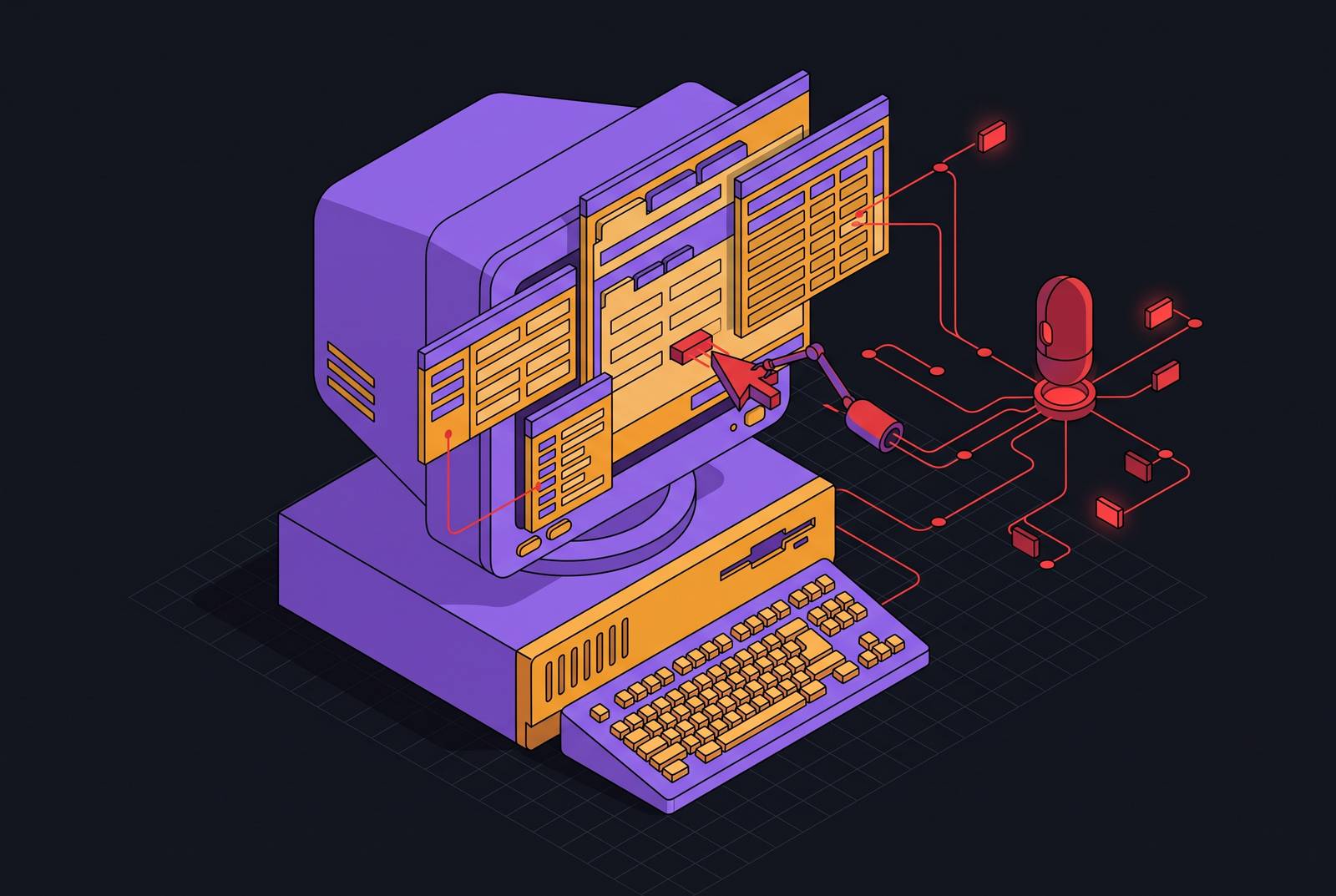
Legacy desktop EHR interfaces were never built with external programmatic access in mind, and that single fact explains why so many automation projects in healthcare administration stall before they start. There is a difference between the EHR as a data store and the EHR as a desktop application: the data may exist somewhere in a database, but the interface a staff member clicks through, the windows, the dropdowns, the form fields, has no equivalent entry point for a script the way a modern REST API would offer.
Traditional robotic process automation tried to work around this by recording exact screen coordinates and XPath references, essentially memorizing where a button sits on a particular version of a particular screen. A vendor UI patch, a renamed field, or a window resizing differently on a different monitor causes the recorded sequence to click the wrong thing or click nothing. Practices that tried RPA for prior authorization or claims work in years past often found the automation broke quietly, producing errors that went unnoticed until a claim bounced back weeks later.
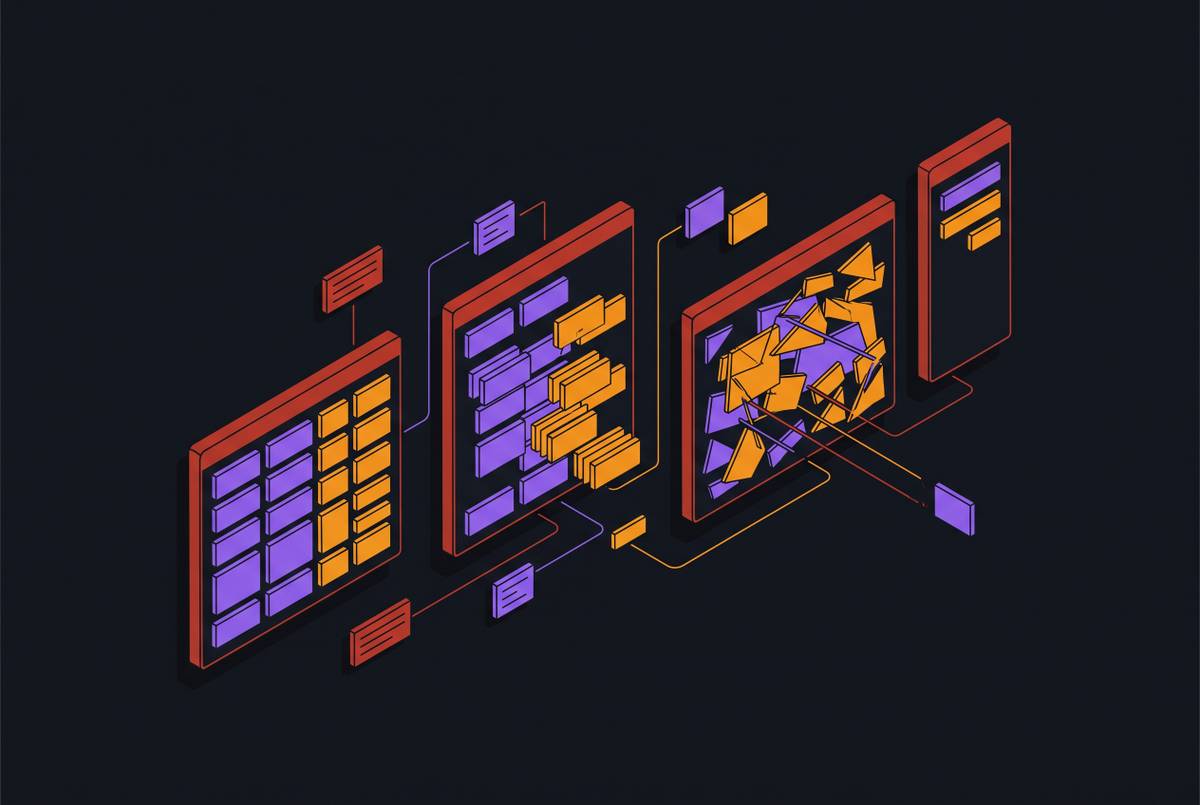
The fragmentation does not stop at the EHR. A staff member handling a single prior authorization might touch four or five of these systems in sequence, none of which were designed to talk to each other, let alone to a script. This barrier is structural and will not resolve itself through EHR upgrades or point integrations. It persists regardless of which vendor a practice runs. A different approach to automation, one that does not depend on an API existing at all, is needed.
How computer-use agents operate a desktop
Computer-use agents perceive the screen the way a person does and act on it through the same channels a person uses: mouse clicks, keyboard input, and visual feedback, which lets them operate without a programmatic interface. Because the agent never needs a programmatic interface to begin with, the absence of one stops being an obstacle. The agent reads whatever is rendered on screen at that moment, form labels, field values, navigation menus, error messages, the same information a staff member reads before deciding what to click or type next.
An underlying language model interprets that live screen state, identifies which elements are interactive based on their visual and semantic context (a label's text, its position on the page, the content around it), and decides what to do next. If a button has moved, the model still recognizes it by what it says and where it sits relative to other elements on the page, the same way a staff member would scan an unfamiliar screen and find what they need.
That loop, seeing the screen, deciding on an action, acting, confirming the result, mirrors the loop a trained staff member runs dozens of times a day. It is the reason this approach generalizes across interfaces that defeated RPA: it does not depend on the interface staying still. HealthAdminBench, a benchmark introduced by Bedi and colleagues at Stanford in April 2026, gives this approach empirical grounding. The paper built multi-step, GUI-based tasks derived from real-world administrative work observed through hospital shadowing, reflecting how staff actually move through these systems.
In practice, the architecture tends to layer three components that work together. Each layer handles the part of the task suited to it, and together they cover a workflow that, until recently, required a person at every step.
Agent reliability: successes and gaps
HealthAdminBench stands as the field's first rigorous benchmark for evaluating computer-use agents on healthcare administration, and its results draw an honest line between what these agents can do reliably today and where they still falter. The benchmark tested agents across four deterministic web environments built to simulate an EHR, two separate payer portals, and a fax system, spanning the multi-system reality of administrative work.
The results separate two measures that sound similar but tell very different stories. Subtask accuracy measures whether an agent correctly completes an individual step, clicking the right field, entering the right value. End-to-end task success measures whether the entire workflow, start to finish, reaches a correct conclusion. In HealthAdminBench, the highest subtask success rate (achieved by GPT-5.4 CUA) came in markedly above the highest end-to-end success rate, which topped out at 36.3% (achieved by Claude Opus 4.6 CUA). That spread is the finding that matters most: an agent can execute most of the individual steps correctly and still fail to deliver a completed workflow, because a single dropped step anywhere in a long sequence breaks the chain.
Healthcare administration has little tolerance for partial completion. A prior authorization that stalls mid-submission, or a claim that errors out at step seven of ten, does not save anyone time. It creates a new problem for a staff member to untangle later, often without knowing where in the sequence things went wrong.
Dismissing the approach is not the point; taking workflow design seriously is. The gap between subtask accuracy and end-to-end success points directly at what deployment requires beyond a capable model: structured error handling, clear escalation paths when the agent encounters something it cannot resolve, and human checkpoints placed at the moments in a workflow where a mistake would be costly. Knowing precisely where reliability tends to break down is what makes it possible to design around those breakpoints rather than discovering them after a claim has already failed.
How agents stay functional when EHR layouts and payer portal UIs change
The question any administrator asks after hearing about screen-based automation is what happens when the vendor updates the interface. Because computer-use agents interpret what is on screen by meaning rather than by fixed position, a layout change that would silently break traditional RPA gets handled the same way a staff member handles it: by reading what the screen now shows and adjusting.
Traditional RPA records an action sequence tied to one specific UI state, move to this pixel, click the element at this XPath, and that recording has no way to recognize the same functional button once it moves, gets renamed, or changes style. It fails, sometimes silently, sometimes with an error that nobody notices until downstream work backs up. LLM-native browser agents work differently: they identify elements by what they mean, the label that reads "Submit Authorization," the dropdown whose options list payer types, so that a redesign preserving that meaning but shifting its position on the page does not break the automation.
Payer portals make the sharpest real-world test of this. A practice of any size interacts with dozens of different portal interfaces across a given week, and any one of them can change without warning, since practices have no advance notice of a payer's release schedule. A semantic approach to screen interpretation absorbs that kind of change without anyone having to rewrite a script.
Research on hybrid GUI-MCP computer-use agents (arXiv:2608.03327) examined the tradeoff between pure visual screenshot perception and structured tool calls, and found that combining the two does not automatically produce better results. A genuinely novel interface, one the agent has never encountered in any form, still demands more reasoning effort and can still produce errors. That is precisely why human-in-the-loop escalation for unfamiliar screen states belongs in the design of any workflow from the outset, not as an admission that the approach has failed, but as the same judgment a competent staff member would exercise when they hit something they had never seen before.
End-to-end automation across the EHR, payer portals, and other systems
The value in a computer-use agent does not live in any single screen interaction. It lives in the unbroken chain of actions that runs across the EHR, the payer portal, the fax machine, and the phone line, the same sequence a staff member would walk through by hand, now carried out without a dropped step at any handoff between systems.
A prior authorization workflow shows the full chain clearly. The agent reads the relevant chart content in the EHR to understand the clinical picture. It assembles a medical-necessity packet matched to the specific payer's documentation criteria for the CPT code in question. It logs into the correct payer portal, or switches to fax or phone if the portal is down or unavailable for that payer. It submits the packet, captures the reference number the payer issues, and writes that outcome back into the patient record in the EHR. A referral scheduling workflow follows a similar pattern: reading clinical context, checking availability across a separate system, and confirming the result back where the record of care lives.
No individual step in that sequence is, by itself, the automation. The automation is the fact that all of those steps complete in order without a staff member re-entering information at each transition, retyping a patient's name into a payer portal that has no connection to the EHR it just came from. That is where the time savings actually accumulate, not in any one click being faster than a human click, but in the elimination of the manual re-entry and context-switching that happens between systems.
Allegheny Health Network's deployment with Humata illustrates what this looks like once it runs at production scale. The whole workflow requires fewer touches from start to finish, which is the measure that actually matters to a practice trying to reduce the administrative burden on its staff.
HIPAA and PHI security requirements for agents operating a live EHR screen
An agent operating a live EHR screen does not inherit HIPAA compliance automatically just because the underlying workflow is sound. Compliance requires deliberate choices about access scope, data handling, and vendor agreements, made at the design stage. Those requirements are fully satisfiable, and practices that treat them as design inputs from the start tend to avoid the friction of retrofitting compliance onto a system already in use.
HIPAA applies to any system that accesses, uses, or discloses protected health information, and an AI agent operating on an EHR screen falls squarely within that definition. The HIPAA Minimum Necessary Rule is the principle most often violated in agentic deployments built without this scoping in mind: an agent logged in with broad EHR access can technically see far more of a patient's record than a single prior authorization task requires, and access controls need to enforce that boundary.
Any AI vendor whose infrastructure receives, processes, or transmits PHI while the agent operates must sign a Business Associate Agreement before any PHI reaches that infrastructure. Consumer versions of the same assistants carry no such coverage and should never touch PHI under any circumstance.
A 2025 proposal to update the HIPAA Security Rule would require practices to maintain a written inventory of AI systems that create, receive, maintain, or transmit electronic PHI. Whether or not that rule finalizes, maintaining that inventory now counts as baseline hygiene for any practice running agents against clinical systems. SOC 2 Type II certification alongside HIPAA compliance forms the floor for any vendor conversation, not a differentiator to be impressed by, but the minimum a practice should expect before a vendor's infrastructure comes anywhere near PHI.
Guidance for practices told they must upgrade or integrate before automating
Many practices have been told, correctly under the old assumptions, that they need to upgrade their EHR or fund a custom integration project before any administrative automation becomes possible. That premise made sense when automation meant calling an API: if the EHR exposed no API, there was nothing for an integration to connect to, and the project stalled before it began. Computer-use agents remove that premise because they work against the same interface a staff member already logs into every day. The EHR's version, its vendor, and its integration status stop being prerequisites.
The deployment decision that follows is a workflow question, not a systems architecture question. The right question to ask is not whether a given EHR supports this kind of automation, but which workflows are creating the most bottlenecks for staff right now, and whether the steps in that workflow can be defined clearly enough for an agent to execute them. That reframing changes who needs to be in the room for the decision: not an IT architect evaluating interoperability standards, but an operations lead who knows where staff time is going.
The more honest barrier is change management. Staff who have lived through a poorly designed EHR rollout carry justified skepticism toward any automation promising to work transparently on top of systems they already find frustrating. The right approach is to deploy against a single bounded, high-volume workflow first and let the completed outcome build the case for expansion, rather than asking staff to trust a broad claim upfront.
The governed agent ecosystem framework described in recent research (arXiv:2608.07627) supports exactly this phased approach: start with well-defined, repetitive workflows under human oversight, then expand scope only once those workflows run reliably. That sequencing is also what produces the kind of reliable end-to-end completion rates that HealthAdminBench shows are still hard to achieve without deliberate workflow design. Any practice must decide which high-volume repeatable workflow to automate first and whether its steps can be defined clearly enough to hand to an agent; the EHR version running underneath has no bearing on that choice.
Sources
- HealthAdminBench: Evaluating Computer-Use Agents on Healthcare Administration Tasks
- From Single Chatbots to Governed Agent Ecosystems: An Agentic AI Pattern Catalogue and Orchestration Framework for Mission-Critical Hospital Information Management Systems
- Screenshots or Tools? Eliciting Tool Use and Managing Multimodal Context in Hybrid GUI-MCP Computer-Use Agents